
jd-price-protection
Judge price-protection eligibility per item, file the claim, then check the refund detail
Suggested prompts
About this skill
JD Price Protection: claim and refund check
Using your own logged-in JD desktop account, check which ordered items can still be claimed for price protection, file each eligible one, and then verify the amount JD approved and its arrival status. Works with any agent that has browser ability; it is not tied to a particular browser, plugin, or model.
What installing it gives you
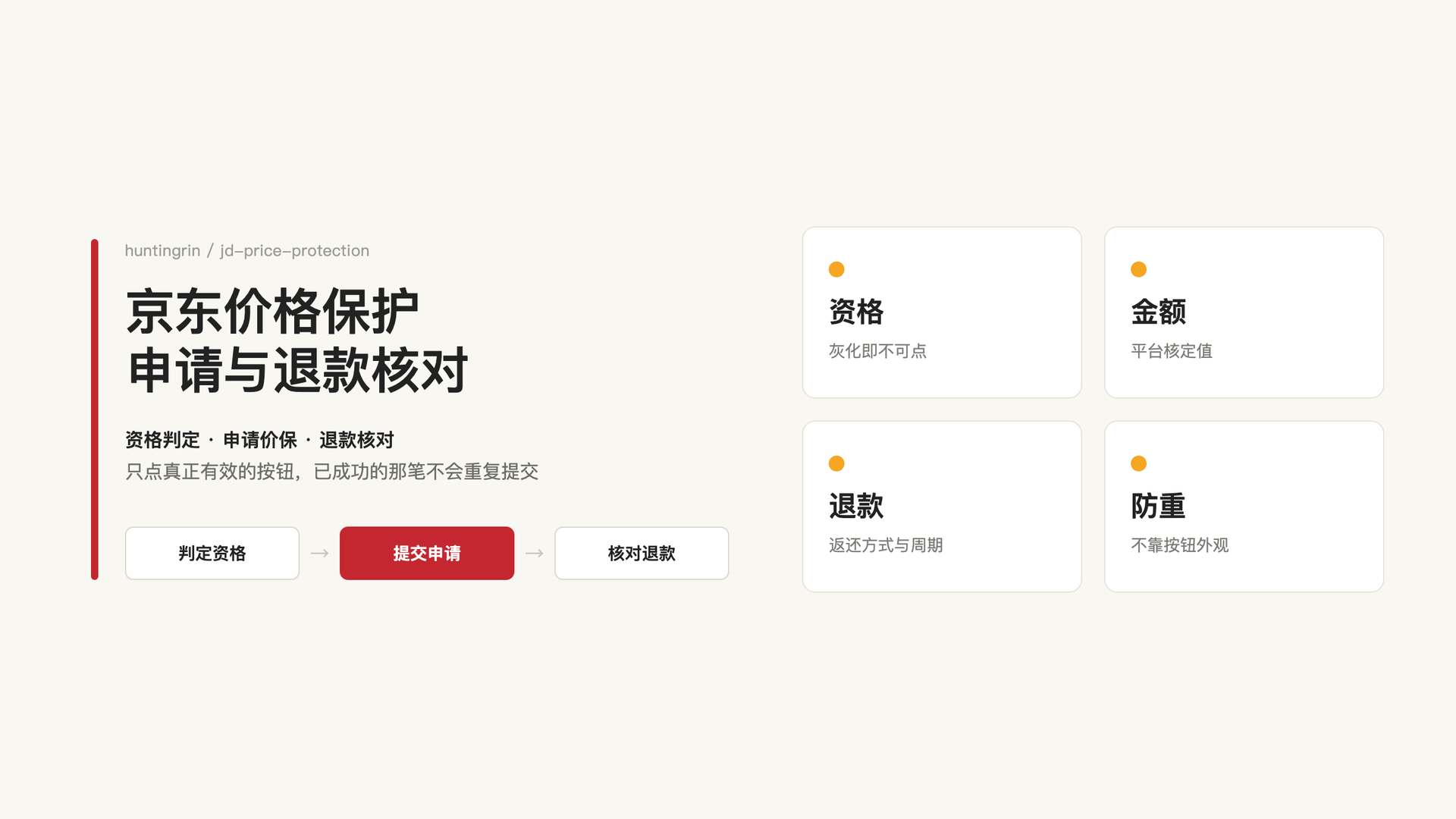
- Eligibility check: reads the validity window, the restriction note, and the claim control for each item. A visible "claim price protection" button does not mean the item is eligible — expired items, gifts, and items JD does not cover still show a button or a placeholder. Only items that are genuinely active are submitted, and never by matching button text in bulk.
- Per-item filing: targets one specific item and clicks once, instead of clicking every control with the same label. Before clicking, it re-confirms that this item currently carries no expired or unsupported note.
- Refund detail check: matches the claim back to the item by order number and claim time in the claim records, then opens the refund detail to read the refunded amount, the return channel, the arrival period, and the refund status.
- Duplicate prevention: after a successful claim the button becomes clickable again, so the skill identifies already-claimed items from the success note appended to the row instead of the button's appearance.
- Interruption recovery: if a click times out or the outcome is unclear, it reads the claim records and the live page first instead of retrying immediately, and never re-submits a claim that already succeeded.
How to use it
- Check which of my orders from the last three months can still be claimed; do not file anything yet, just list the eligible and expired ones separately.
- File price protection for the eligible items and then summarise the amounts JD approved and their arrival status.
- The result of my last claim is unclear; re-read the claim records and refund detail without filing anything again.
A check or research request stays read-only. When you ask to file a claim, it files within the order range you specified without asking again about authorisation you already gave; with no range given, it checks the orders in the current account.
How to read a refund result
| State | What can be reported | What cannot be inferred |
|---|---|---|
| Submitted / under review | Claim filed, awaiting review | Approved, or money received |
| Price protection approved | The difference JD approved | That the money reached the wallet or a bank card |
| Refund detail shows refund succeeded | JD reports the refund succeeded, with the return channel | That personal fund records were independently checked |
| A matching incoming transaction was found | Arrived, with the channel and the evidence used | That every refund returns to a bank card |
Amounts are reported as the site approved them. The money may return to the wallet balance, another payment channel, or as JD beans, and is not all counted as cash. A current price below the purchase price does not guarantee a payout: payment coupons or special promotions may not count toward price protection, and no payout is a normal outcome.
What you need to provide
- A JD desktop account signed in in your own browser. Login, SMS verification, and captchas are handled by you in person.
- An agent that can open pages, read them, and click controls. With text-only chat you can follow the flow but cannot actually file anything.
The skill never asks for or exports cookies, passwords, or tokens. It does not create orders, buy anything to enable a claim, cancel orders, return goods, withdraw funds, transfer money, or open financial products.
Known limitations
- The full chain (eligibility check → filing → claim records → refund detail) was verified end to end on the desktop web page and in the Ego browser on 2026-10-12 and again on 2026-10-16; after the click JD reported the claim as successful and the refund detail showed the money returning to the wallet balance with a refund-succeeded status.
- Personal wallet statements were not independently verified, so the skill keeps "refund succeeded on the platform" separate from "arrival verified". The arrival check currently has a documented procedure but no verified sample.
- The claim page covers only the last three months of orders and has no pagination; older orders can only be located through the order-number search box.
- The page renders the item rows before asynchronously filling in the restriction notes and the button state, so the state must settle before a decision is made; otherwise both the price and the eligibility can be read wrong.
- Not every agent, operating system, or product category has been tested. Eligibility, the supported window, and the return channel follow each order and the live page.
Official reference: price protection rules.
Licence
MIT License, Copyright (c) 2026 huntingrin. See LICENSE.