
jd-bean-claim
Let an agent claim shopping bean rewards, do the daily check-in, and verify what actually landed
Suggested prompts
Check what JD beans I have waiting to be claimed, but do not claim yet; show me the pending list and my balance.
Claim my shopping bean rewards, do today's check-in, and then verify how many beans actually arrived.
Last check-in result was unclear; re-read my balance, check-in state, and history without clicking again.
About this skill
JD Beans: claim and check-in
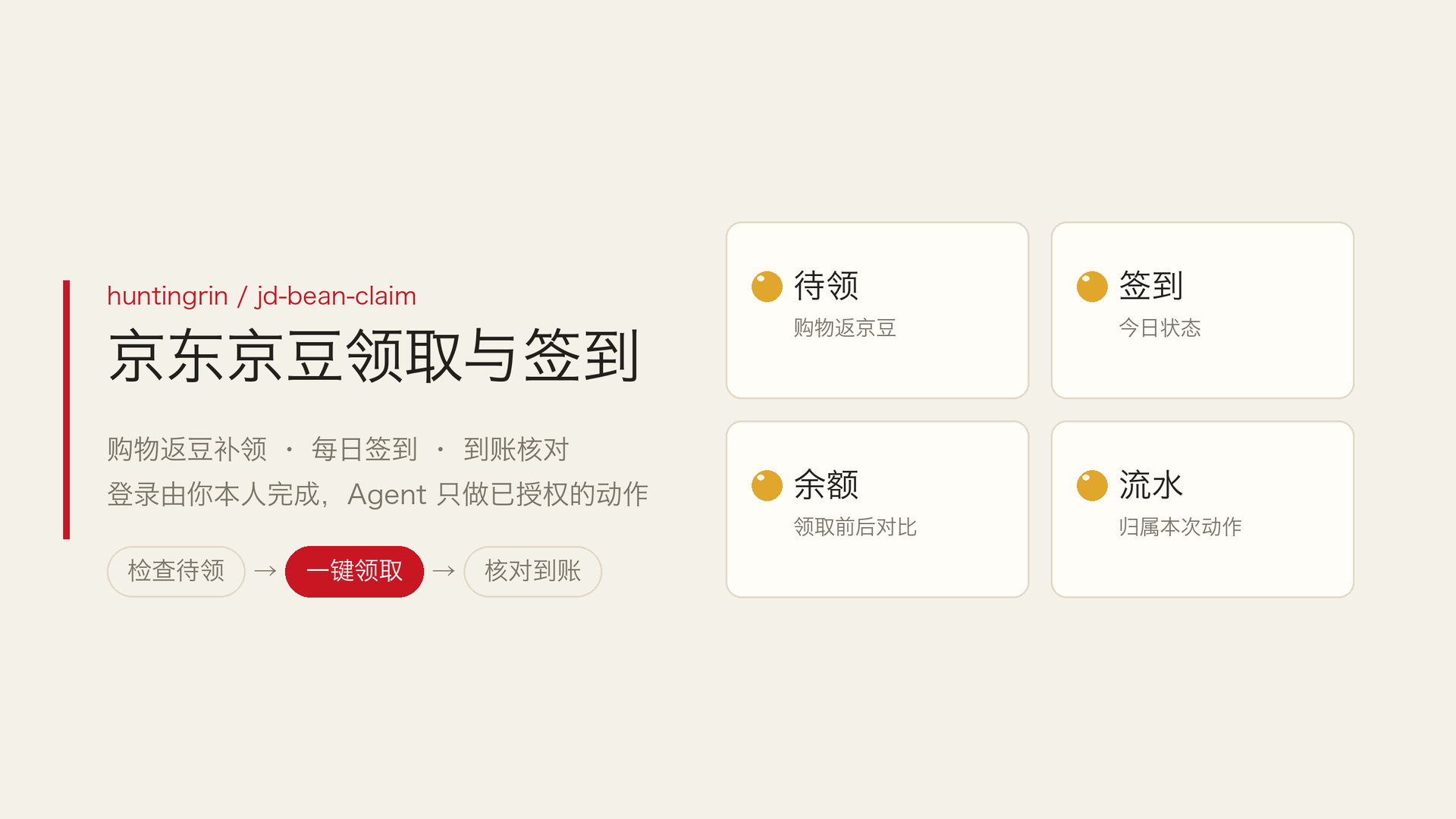
Using your own JD desktop account, claim the shopping bean rewards and do the daily check-in you have authorised, then verify that the beans actually arrived. Works with any agent that has browser ability; it is not tied to a particular browser, plugin, or model.
What installing it gives you
- Read-only inspection: reads the balance before claiming, pending items with their expiry dates, check-in state, and recent transactions. It also walks pagination — the total on one page is not the account total.
- Shopping bean claim: finds the one-click claim control and clicks it once, then verifies the new shopping-bean transaction and the balance delta. The whole pending area and its button can disappear after a successful claim; that is an observed normal state, so the balance and history are confirmed to have loaded as well.
- Daily check-in: the check-in control can be an image with no text and will not appear in a text snapshot, so a screenshot or DOM check is used when needed. Selector presence or a "N days in a row" label is not enough to decide whether today is already done.
- Staged reconciliation: when both actions run, the shopping bean claim is reconciled first and the check-in second, so the two rewards are never added together. A claim counts as arrived only when a new transaction can be attributed to this action.
- Optional scripts:
scripts/collect-state.mjsreads balance, pending items, the check-in card, and transactions from the current page without side effects;scripts/reconcile.mjsreconciles pure functions and sends no requests.
How to use it
- Check what JD beans I have waiting to be claimed, but do not claim yet; show me the pending list and my balance.
- Claim my shopping bean rewards, do today's check-in, and then verify how many beans actually arrived.
- Last check-in result was unclear; re-read my balance, check-in state, and history without clicking again.
A check-only request stays read-only, a claim request only claims, a check-in request only checks in, and you can ask for both at once. Steps you have already authorised are executed without asking again.
Boundaries and safety
- Login, SMS verification, and captchas are handled by you in person. The skill never asks for or exports cookies, passwords, or tokens, never bypasses verification, and never runs bulk claims across accounts.
- If a click times out or the result is unclear, it reads balance, pending items, check-in state, and history first, and does not click the same ambiguous action again. If it is still unclear, the action is recorded as attempted with arrival unverified.
- It uses the browser tools your agent already has, through their official interfaces, reusing the task's page and login session. It will not switch to a focus-stealing mode just to make itself work.
- Script output contains only order tails, but it is still your data. Save it in your own task directory, not the skill install directory, and never commit it to a public repository.
Known limitations
- The end-to-end flow (shopping bean claim, image-button check-in, success dialog, and arrival reconciliation) was verified on 2026-10-12 on one logged-in account, on the desktop web page and in the Ego browser. Other agent and browser combinations have not been tested one by one; "portable" does not mean every platform runs with zero setup.
- Two Windows attachment paths are provided (Playwright MCP with an Edge or Chrome extension, or a dedicated profile directory). The configuration has been statically reviewed, but the JD end-to-end flow and the no-focus-stealing behaviour on Windows have not been tested. Installing this skill does not install extensions, start MCP, or change your system default browser.
- Browser ability is required to actually claim; with text-only chat you can follow the flow but cannot claim.
- Daily rewards and eligibility differ per account. "Up to +66" is a reward cap, not what actually lands. JD beans are a shopping discount benefit, not withdrawable cash, and there is no fixed daily return.
- Expired login, risk control, app-only entries, or a page redesign may all require manual handling. The live page is the source of truth.
Official references: shopping bean rules, JD bean usage.
Licence
MIT License, Copyright (c) 2026 huntingrin. See LICENSE.